The admin doesn't disappear because you're busy. It just moves to the evening. For most trades businesses, four jobs eat the most unpaid hours: writing up quotes, typing jobs in twice, chasing invoices and answering the same enquiries. All four can be handed off without a big project, and most of the fixes live in tools you already pay for.
What you'll have by the end
- A quote prompt and rate card that turn site notes into a draft before you leave the driveway
- Your job app and your accounts talking to each other, so nothing is typed twice
- Invoice reminders and enquiry replies that go out without you
- A clear order to do it in, and a one-week plan to start
Where the evenings go
Ask a sparky or a plumber where their week goes and the answer is rarely "the hard jobs". It's the stuff around the jobs. Here are the four that come up most, and what fixes each one.
Quoting after dinner
Site visit at 2pm, quote written at 9pm. Fix: a drafting tool with your rates and format, used from the van.
Jobs typed twice
Once in the job app on site, again in Xero at the desk. Fix: switch on the integration you probably already have.
Chasing money
Nobody wants to ring about an overdue bill, so it slips. Fix: automatic reminders in Xero, worded like you'd speak.
The same questions
"Do you cover my area?" "Can you come Thursday?" Fix: saved replies and a missed-call text, ready to send with a tap.
Don't do all four at once. Start with whichever one is costing you the most evenings right now, get it running, then move to the next.
Job 1: quotes drafted from your notes
This is where evenings go. You've done the site visit; now the quote has to be written up, and it waits until you're home. The fix isn't a fancy system. It's a chat tool that knows your rates and your format, so a few lines of notes turn into a clean draft you check and send.
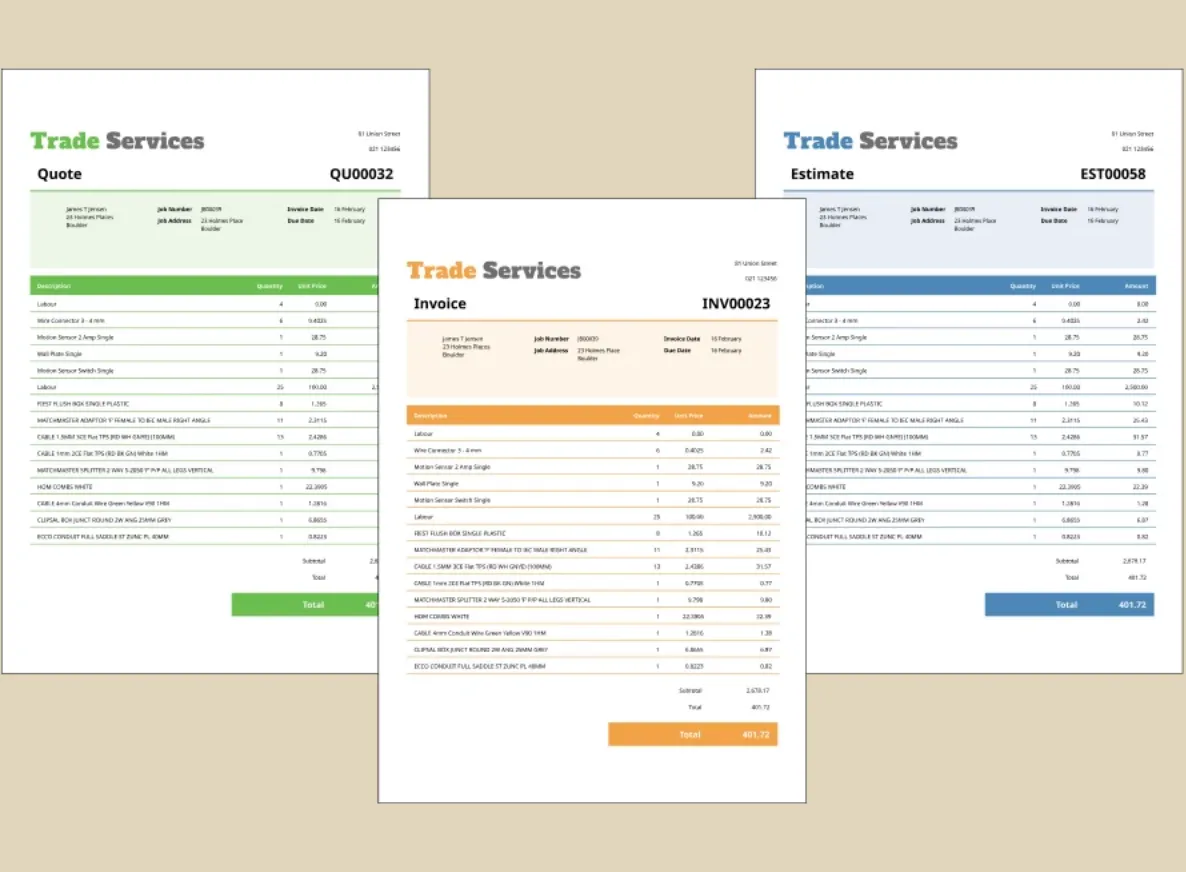
What it looks like: you type or dictate "supply and install 3 double sockets, run new circuit, half-day labour, Ponsonby villa" and a properly laid-out quote comes back with your pricing, ready to tidy and send from the driveway. It drafts, you approve.
-
Write a one-page rate card
Your hourly rates, call-out fee, standard markups, travel charges, and the exclusions you always add ("making good of plaster by others"). Keep it as a note you can paste in.
30 minutes, once -
Pick a good past quote as the pattern
Take a quote you were happy with, delete the customer's name and address, and save it with the rate card. Most chat tools let you keep both in a project so you don't paste them every time.
10 minutes, once -
Capture notes before you leave site
Dictate into your phone while it's fresh: scope, materials, access issues, hours. Half-sentences are fine.
2 minutes per job -
Run the prompt and check every number
Compare each line against your rate card and supplier prices. A wrong number on a quote is your money, so this check is not optional.
3 minutes per job -
Send it from your usual system
Paste the scope and lines into Tradify, Fergus, ServiceM8 or Xero, so the quote is tracked and converts to a job like any other.
Prompt · quote from site notes
Labour 2.5 hrs at $98 = $245.00
Sundries (seals, tape) = $25.00
Total $270.00 + GST
To confirm: is the mixer the same brand as the existing valve body? If not, add parts.
Example (illustrative): a 3-van plumbing outfit in Tauranga. The owner does most site visits himself and was writing quotes two or three nights a week. He set up a project in his chat tool with his rate card and two anonymised past quotes, one for a hot water cylinder swap and one for a bathroom rough-in.
Now he dictates notes in the van before pulling out of the driveway, checks the draft over a coffee at the next stop, and pastes it into his job app. The "To confirm" list became his favourite part: it's the questions he used to forget to ask until the customer rang back.
The worked example shows the same idea end to end: quotes drafted from a few notes. If you've never used a chat tool before, the getting-started guide covers setup and which plan to use.
Job 2: stop typing jobs twice
The single biggest time-sink in trades admin isn't a hard job. It's entering the same job twice: once in the job app on site, again in the accounting software back at the desk. You've become the courier between two tools that should just talk to each other.
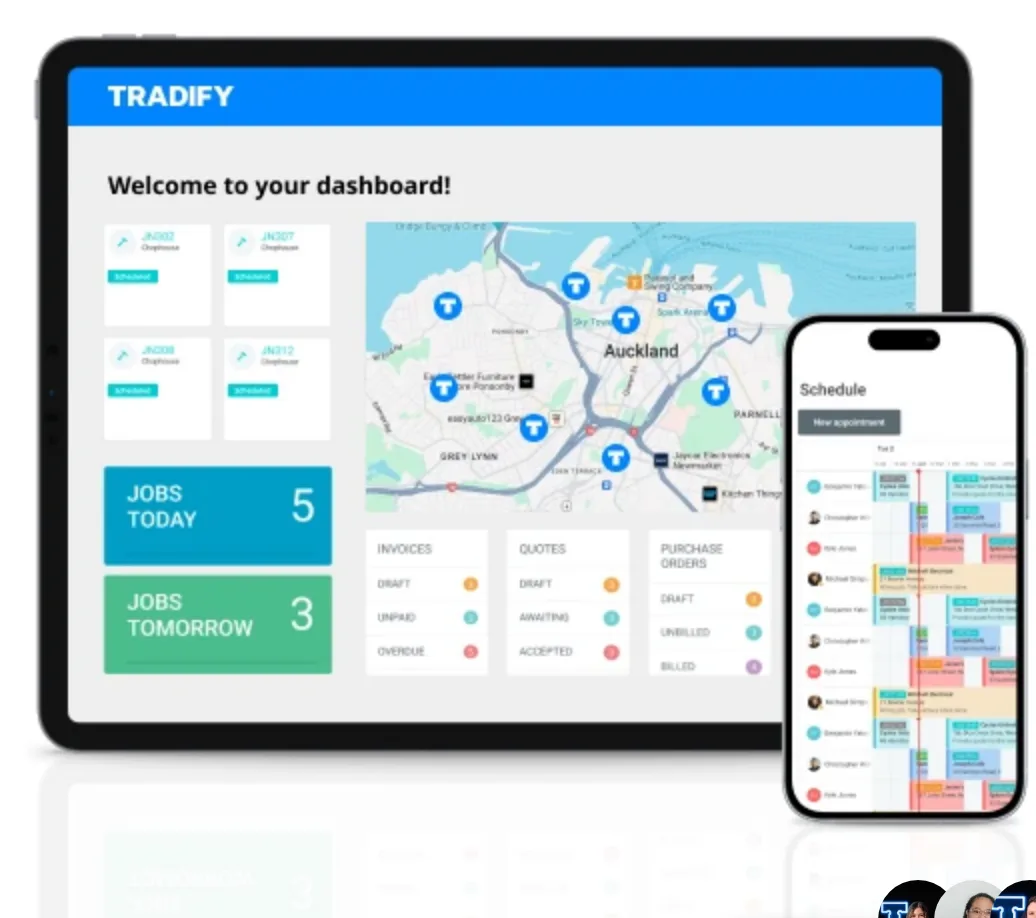
This one usually isn't a language model at all. Tradify has a two-way Xero sync (and MYOB in NZ), Fergus syncs invoices and contacts to Xero in real time, and ServiceM8 syncs customers, items and payments with Xero in both directions.123 The work is switching the connection on and setting it up so the invoice that lands in your accounts is right first time.
Typing it twice
- Job sheets on paper or in the app, re-keyed at night
- Materials forgotten between site and invoice
- Invoices go out days after the job
- Customer details spelled two different ways
Connected
- Job marked complete, invoice drafted in Xero
- Materials and hours carried straight across
- Invoice sent the same day, from the van
- One customer record, kept in sync
-
Find the integration settings
In your job app, look for the accounting or integrations section and connect Xero or MYOB. Search the app's help centre for "Xero" if it isn't obvious.
10 minutes -
Match your accounts and tax rates
Map labour, materials and call-outs to the right income accounts, and check GST is set to 15% on the right items. This is the step people skip, and it's why their accountant gets cross at year end.
20 minutes -
Decide which way customers sync
Pick one place as the master list of customers (usually the job app) so you don't end up with duplicates in both.
5 minutes -
Test on one real job
Complete a small job, send it across, and open the invoice in Xero. Check the lines, the tax and the contact. Fix the mapping before you do the next one.
15 minutes -
Stop creating invoices in Xero by hand
Once the test is clean, make it the rule: invoices start in the job app. Tell whoever does your books.
-
Look for supplier invoice matching
Some job apps go further. Fergus, for example, can import supplier invoices from merchants like Plumbing World, Mico, Corys, PlaceMakers and ITM and match them to jobs, so materials stop going missing between the merchant and the invoice.2
Example (illustrative): a 2-person electrical business in Christchurch. They'd paid for a job app for over a year but only used it for scheduling. Every Thursday night the owner's partner typed the week's jobs into Xero from the app's PDFs.
The connection was already included in their plan. An afternoon of mapping accounts and testing three jobs, and Thursday nights were back. The first month they found two jobs that had never been invoiced at all.
See the worked example: finished jobs become Xero invoices.
Job 3: invoices that chase themselves
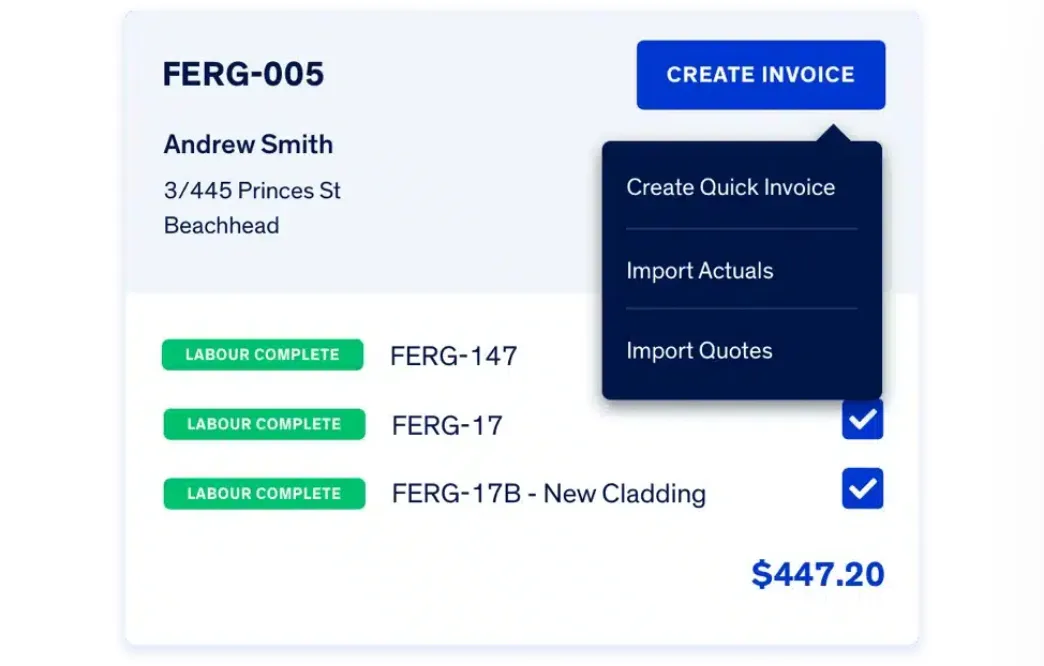
Late payment strangles cashflow, and chasing it is the job nobody wants, so it doesn't get done. Xero's own figures for the June 2026 quarter put the average NZ invoice at 4.7 days late.5 If you're on Xero, reminders can send themselves, politely and in your name, once an invoice goes overdue. You only get involved when someone replies.
-
Switch on invoice reminders in Xero
They live under Sales, Sales settings, Invoice settings, Invoice Reminders. Xero comes with three set up (7, 14 and 21 days overdue) and allows up to five.4 For 7-day terms, bringing the first one forward to 3 days is a sensible start.
-
Rewrite the wording and add a pay-now button
Use the customer's first name and the invoice number, friendly first and firmer later. Connecting Stripe to Xero adds a pay now button to your invoices.6
-
Switch it off for the ones you'll ring
Disputed jobs, builders you sub for, anyone on a payment plan.
The full walkthrough, with three reminder emails to copy, is in turn on automatic invoice reminders in Xero. It's about ten minutes of setup.
Text message · after the job, with the invoice
Job 4: answer enquiries while you're on the tools
Half the messages that land on your phone are the same questions. "Do you cover my area?" "Can you come Thursday?" "Roughly what would a heat pump install cost?" When you're under a house, they wait, and the customer rings the next tradie on the list. Answering quickly often matters more than being cheapest.
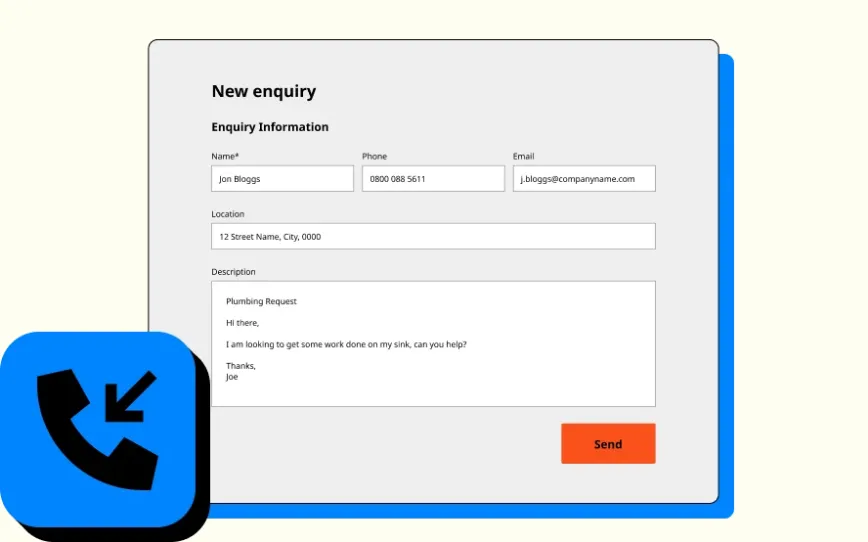
You don't need a chatbot for this. You need five good saved replies and a text that goes out when you miss a call.
Missed call · 10:42am
First message sent automatically. Second is a saved reply, edited and sent with a tap.
-
List your five most common questions
Scroll back through a month of texts and emails. Area, availability, rough price, "do you do X", and "when will you turn up" usually cover most of them.
-
Draft the answers once
Use the prompt below to get a first version in your voice, then edit. Keep each one short enough to read on a phone.
-
Save them where you reply
Text replacements on your phone, saved replies in your job app or Facebook page, or a note you copy from. Whatever's one tap away.
-
Set up a missed-call text
Many phone plans, business phone apps and some job apps can send an automatic text when you miss a call. Check what yours offers before paying for anything new.
Prompt · draft your saved replies
Which tool for which job
The point is to use what you've already got before buying anything new. Prices change often and promotions come and go, so check current pricing on each vendor's site.
| Job | What does it | New cost? |
|---|---|---|
| Quote drafts | A chat tool (ChatGPT, Claude, Copilot or Gemini) on a business plan, with your rate card saved | A monthly subscription per person. ChatGPT Business was NZ$33 per user a month billed annually, as shown on its NZ pricing page in October 20267 |
| No double entry | The Xero connection in your job app (Tradify, Fergus, ServiceM8); Tradify also connects to MYOB | Check your job app plan; often already there |
| Invoice chasing | Xero's built-in invoice reminders | Built into Xero; note the Ignite plan caps you at 20 invoices8 |
| Enquiry replies | Saved replies on your phone or in your job app | Usually nothing |
| Missed-call text | Your phone plan, a business phone app or your job app | Varies; check what you have first |
The honest total for most one-van and crew-sized outfits is a modest monthly subscription plus an afternoon or two of setup. If someone's quoting you thousands for a bespoke "AI system" before they've looked at the tools you already use, walk.
If it goes out with your name on it, your eyes go over it first. The tool saves the typing, not the judgement.The rule of thumb we use
What to be careful with
Four things that go wrong:
- Numbers it made up. A chat tool will happily invent a price for a part. Only let it use the numbers you give it, and check every line.
- Customer details in a free chatbot. Names, addresses and phone numbers go into a business plan with training off, or not at all.
- Compliance wording. Don't let it write anything about certificates of compliance, consents or warranties without you checking the real requirement.
- A big platform for a small problem. Most of the first wins are settings and connections, not new subscriptions.
Got an apprentice or office person using these tools too? Agree the rules on one page: which tools, what never goes in, who checks quotes before they go. The usage policy guide has a plain-English outline.
Start this week
One job, one week. Here's the order that works for most trades businesses:
- Monday: write your rate card and pick one good past quote as the pattern
- Monday: set up a chat tool on a business plan and save both in a project
- Tuesday to Thursday: draft every quote from site notes, and check every number
- Wednesday night: open your job app's integrations page and see if Xero or MYOB is already there
- Thursday: switch on Xero invoice reminders and paste in better wording
- Friday: save five replies to your most common enquiries
- Friday: note how many evenings you spent on admin this week compared with last
None of this is "transforming your business". It's getting specific evenings back with tools you mostly already pay for. If you'd like to know which of the four will win you the most time, the free Readiness Check takes about 3 minutes and gives you a now, next, later plan.
When the settings aren’t enough
The settings above get most crews a long way. Firms of about six or more staff usually hit the next limit: the gaps between the job system, the inbox and Xero, where nobody owns the hand-off. That is the work we do. We build three named flows, in your own accounts, for a fixed price.
- Enquiry to Quote. Enquiries from your web form, email, texts and Facebook land in your job system as a job, with a draft quote from your own price list waiting for you to approve. You count time to first reply and quotes sent per week.
- Get Paid. Quotes followed up on a schedule, finished jobs turned into Xero invoices without retyping, and reminders that get firmer as an invoice ages. You count days to payment and dollars overdue.
- Owner Dashboard. One weekly view from your job system and Xero: job profit, quote win rate, who owes what, and how busy each tech is. It arrives Monday morning.
Which software you run decides what is possible. See what we connect for ServiceM8 and Xero, Fergus and Xero and Simpro and Xero. Tradify has no public API, the door other software uses to connect, so builds for Tradify firms are limited to the inbox and Xero side.
Want to see one running first? Ask for a demo video: a 90-second recording of the flow, set up with your business name. It’s free.
Sources
- Job sheet app features, Tradify NZ (checked 8 October 2026)
- Fergus job management, Fergus NZ (checked 8 October 2026)
- Xero integration, ServiceM8 (checked 8 October 2026)
- Set up invoice reminders and turn invoice reminders on or off, Xero Central
- Xero business insights for New Zealand, June 2026 quarter (published 30 July 2026)
- Accept payments, Xero NZ
- ChatGPT pricing, OpenAI (NZ$ as shown from New Zealand, 8 October 2026; the page doesn't say whether GST is included)
- Xero pricing plans, Xero NZ (checked 8 October 2026)